Import past payments and exact rent months
Bring genuine receipts across without recording the full payment repeatedly.
Settings → Imports & downloads → Import data → Past payments
Before you beginImport the units/tenants first. Check their saved names and any existing receipts.
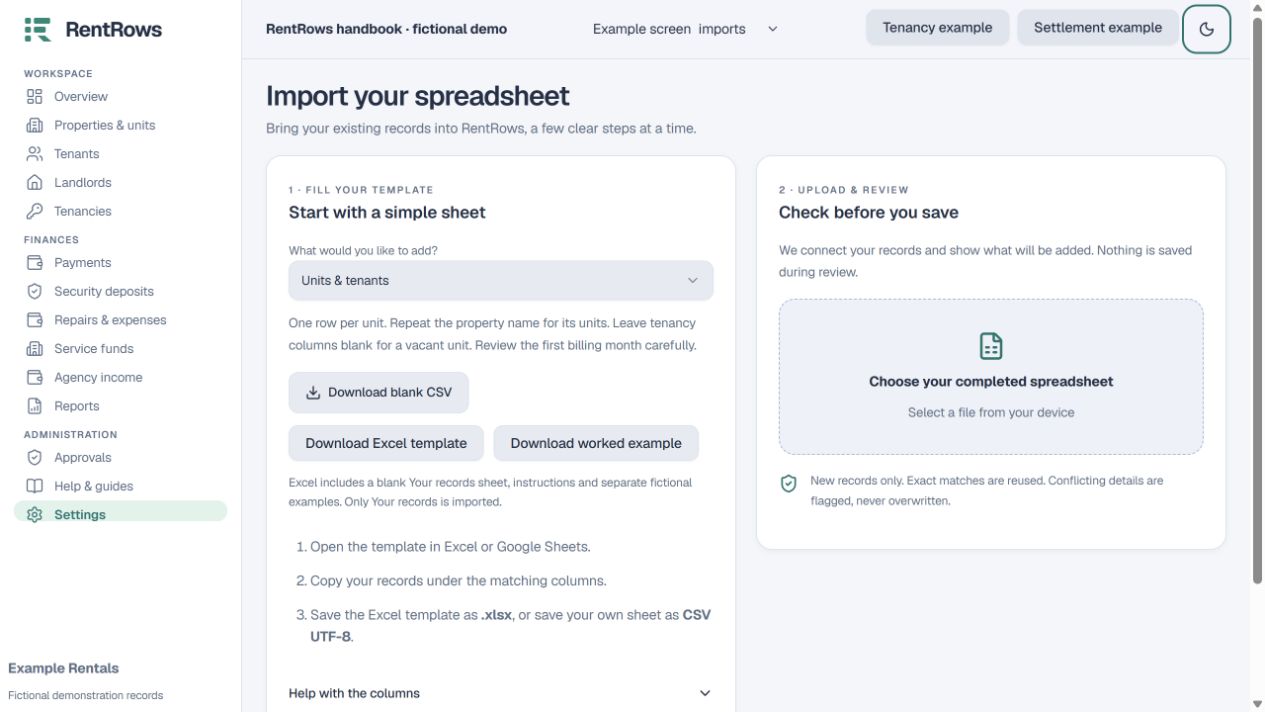
Follow the steps
- 01
Download the Past payments Excel template. Read Start here, then fill Your records. Worked examples is for reference and is never imported. You can also use the blank CSV.
- 02
Use one row per bill portion. Enter the property, unit, tenant, payment date and amount for that portion.
- 03
Set For to Rent, Deposit or Agency fee where applicable. For Rent, add the rent month as YYYY-MM. Leave it blank for deposit or an agency fee.
- 04
Choose Cash, Bank, M-Pesa (Send Money), Paybill, Till or Pochi. Repeat the same real receipt reference, payment date and method across all portions of one transaction.
- 05
Review the file. Check the total per real receipt and the months covered. Fix errors before confirming.
- 06
Confirm the import, then compare the new receipts and bill balances with your real statement.
Check the result
Payments settle the specified bills or months and preserve one clear transaction breakdown.
Keep going
Still need help?
Tell support which screen you are on, what you expected and what happened. Include a bill or receipt number where useful. Never send passwords, payment credentials or email confirmation links.
Contact support →Open your workspace →