Track maintenance requests
Follow reported problems from first report to completion.
Maintenance → Add request
Before you beginKnow the property or unit and what needs attention.
Follow the steps
- 01
Add a clear title and description. Select the affected property or unit and the priority.
- 02
Record a contractor, estimate and notes when available. Keep the status updated as work is arranged and completed.
- 03
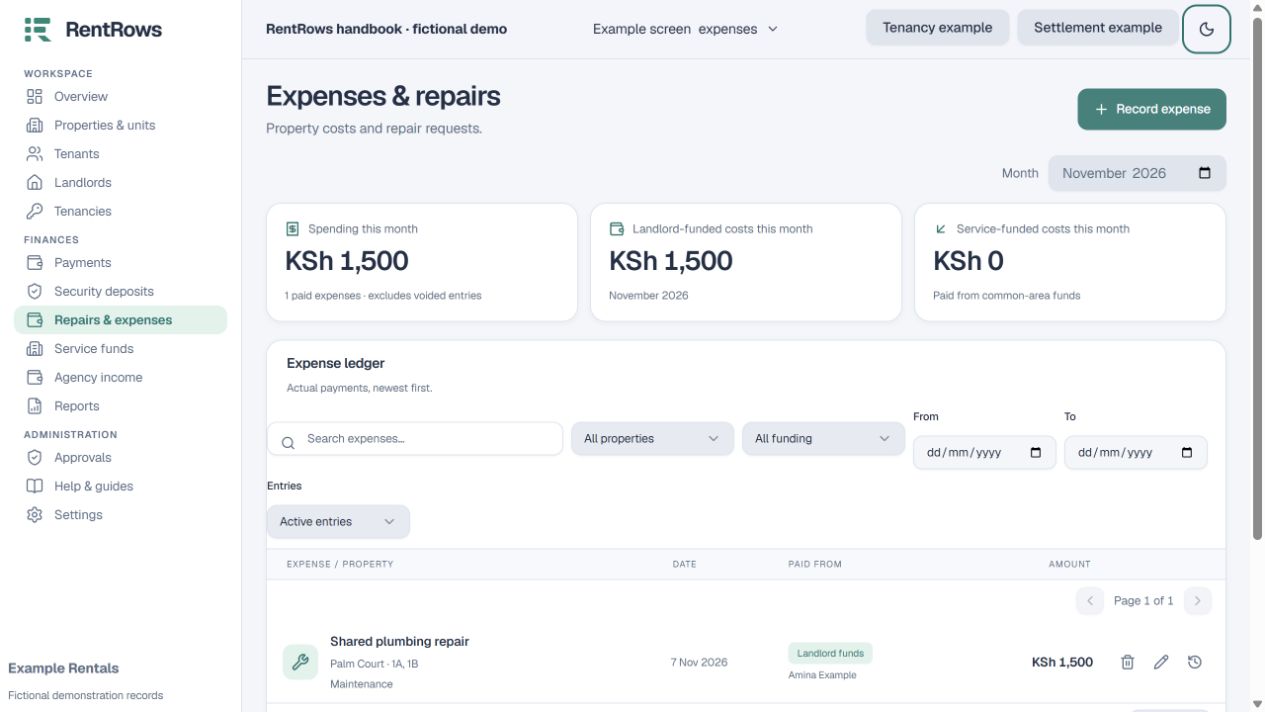
When money is actually spent, record the expense once with its actual amount and funding source.
- 04
Attach supporting documents where available, and keep updates factual and dated.
- 05
For repairs after departure, use Move-out repairs so they appear in the former tenant’s settlement.
Check the result
The work list shows what is pending and the financial records show what was actually spent.
Keep going
Still need help?
Tell support which screen you are on, what you expected and what happened. Include a bill or receipt number where useful. Never send passwords, payment credentials or email confirmation links.
Contact support →Open your workspace →