Record one payment
Connect the money you received to the right person and bill.
Payments → Record payment
Before you beginCheck the real payment amount, date, method and reference. Search for an existing receipt first.
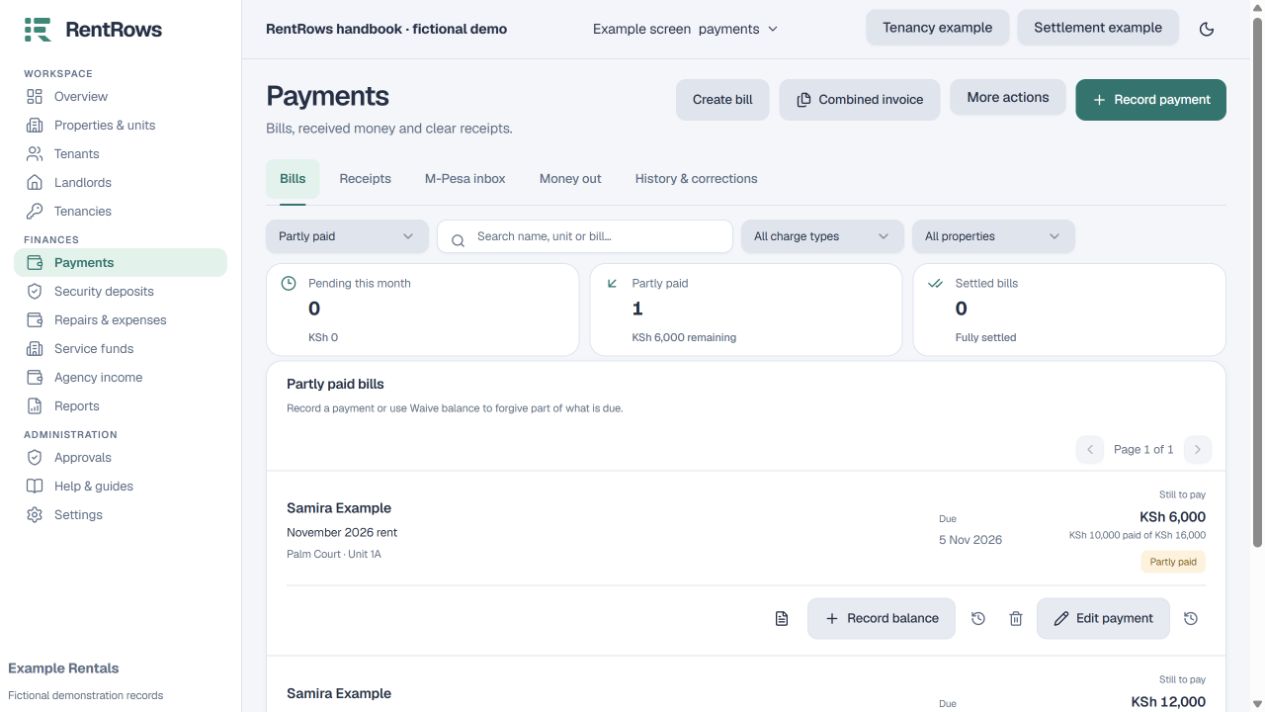
Follow the steps
- 01
Select Record payment. Search for the tenant, unit or bill and choose the bill being paid.
- 02
Enter the amount actually received and the date it arrived. Choose Cash, Bank or the correct M-Pesa collection channel.
- 03
For an electronic payment, enter the genuine bank or M-Pesa reference. Check that it has not already been imported or received through the Paybill inbox.
- 04
Review the selected rent month and amount. Use the split-receipt option if one payment covers more than one bill.
- 05
Save, then open the receipt beside the payment. Check the bill’s new balance before sharing the receipt.
Check the result
The receipt and bill are linked, and the unpaid balance reduces by the saved allocation.
Keep going
Still need help?
Tell support which screen you are on, what you expected and what happened. Include a bill or receipt number where useful. Never send passwords, payment credentials or email confirmation links.
Contact support →Open your workspace →