Match Paybill payments using a bill number
Let verified payments settle the exact bill while exceptions stay visible.
Invoice number → Paybill account number → M-Pesa inbox
Before you beginSupport must activate the connection and enable automatic bill matching.
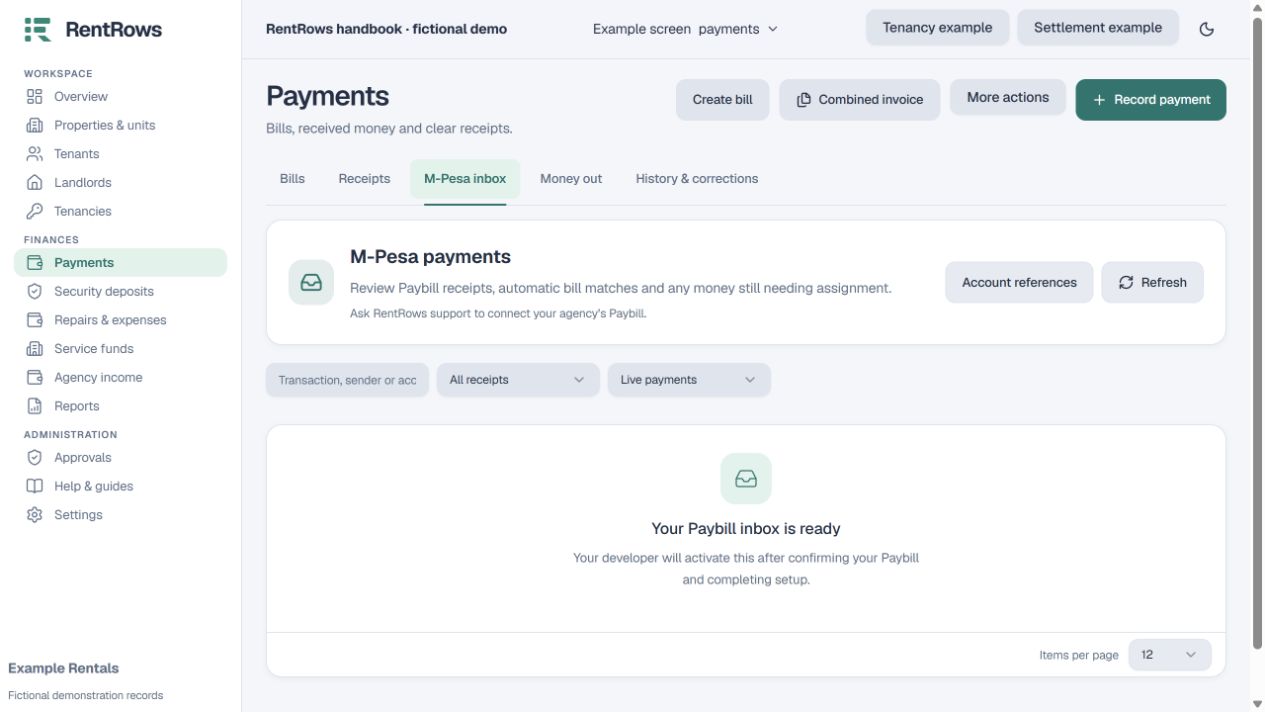
Follow the steps
- 01
Send the individual invoice with its exact bill number, for example INV-26-00042. The payer uses that number as the Paybill account number.
- 02
The payer checks the Paybill, account number and amount on M-Pesa before confirming. A relative or other third party can pay using the same bill number.
- 03
RentRows receives the notification and waits for independent provider verification before posting real accounting. Recovery normally checks on the next scheduled run, up to about 15 minutes; the match is not an instant confirmation.
- 04
When the reference matches one eligible bill in this workspace, the system allocates up to the unpaid balance and uses the existing accounting rules.
- 05
Review exceptions in the inbox. Unknown references, already settled/cancelled bills, verification delays and duplicate manual records need attention. An overpayment stays visible as unassigned money.
- 06
Check the updated bill and receipt. Use manual assignment for a payment covering multiple bills, a combined invoice or an unclear reference.
Check the result
A verified payment can settle a bill without manual re-entry, and the audit history explains the allocation.
Keep going
Still need help?
Tell support which screen you are on, what you expected and what happened. Include a bill or receipt number where useful. Never send passwords, payment credentials or email confirmation links.
Contact support →Open your workspace →